Rendering the New Standard

Master 3D Rendering & Visualization

A Professional Certification Program to Elevate Your Design Presentations with Real-Time & Photorealistic Rendering Tools

  • Program Duration

    3 months
  • Next Cohort

    To Be Announced
The Deadline to Submit your application is 31st October

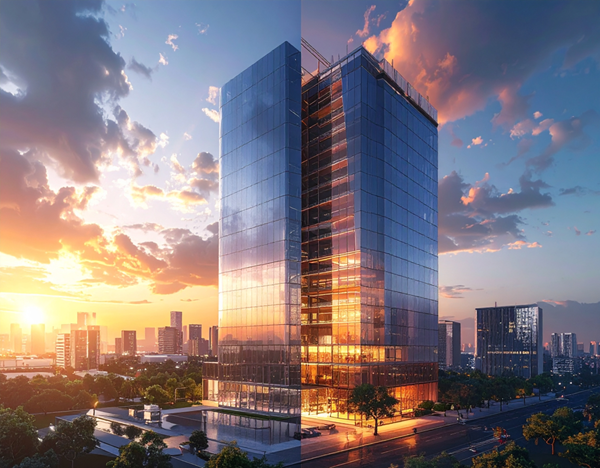
Master real-time, photorealistic rendering with tools like Lumion, V-Ray, Enscape, Twinmotion & D5 Render—plus AI enhanced workflows to design, render, and deliver visuals faster than ever before.

Contact us
Learn from Mentors
Course Highlights

0

Mentor - Student Ratio

0 +

Global BIM Experts

0 + hr

Live & Guided Sessions

0 +

Learners

What’s New?

Who is this course for?

•  Architecture / Interior Design students (final year or
graduates)

•  Design professionals and freelancers

•  3D artists with basic modeling experience in SketchUp, Revit,
or Rhino

•  Visual designers wanting to create cinematic, hyper-realistic
renders

0+

Enrolled Learners

0%

Average CTC Hike

0

Learner Review on Google

Key Skills You Will Master

Delivered by practicing architects and visualizers with years of experience creating award-winning visualizations for top studios.

Client-ready portfolio presentations

Contact us

Photorealism with V Ray & D5 Render

Contact us

Lighting, shadows, camera composition

Contact us

Cinematic walkthrough animations

Contact us
Learn From Expertss

Learn From Experts at the Forefront

Delivered by practicing architects and visualizers with years of experience creating award-winning visualizations for top studios.

•  Over 6,000 professional s trained across 30+ countries

•  Backed by industry recognized certification

•  Tools used by leading studios worldwide


7 Weeks
21 Activities

Start Your Rendering Journey: Overview and Essentials

Learning Outcomes

Mastering 3D rendering and visualization involves a multi-faceted approach, encompassing a blend of artistic understanding, technical knowledge, and proficiency in specialized software. It’s about translating ideas and models into impactful and realistic images or animations that communicate design intent effectively across various industries.

Take the first step towards your career advancement!

Enroll today in the most advanced, industry-vetted certificate program.

COURSE

Mastery in Every Pixel

INDEX ((8))

Introduction to 3D Visualization

  • What is 3D visualization? Importance in design communication
  • Types of rendering: real-time vs photorealistic
  • Introduction to visualization software: SketchUp, V-Ray, Enscape, Lumion
  • Rendering workflow and hardware requirements
  • Sample walkthroughs and case studies

SketchUp for Modeling

  • Interface overview and essential tools
  • Modeling from CAD plans or PDFs
  • Groups, components, and hierarchy
  • Furniture and 3D warehouse assets
  • Output: Basic room model or house shell

Texturing and Material Mapping

  • Understanding PBR materials
  • Applying and editing textures in SketchUp
  • Texture scaling, alignment, and material libraries
  • Use of bump, reflection, and displacement maps
  • Output: Fully textured interior/exterior model

Lighting Fundamentals

  • Types of lighting: natural, artificial, HDRI
  • Placing and adjusting lights in V-Ray / Enscape
  • Daylight simulation and sun settings
  • Light temperature, intensity, and shadows
  • Output: Lit scene with dramatic depth and mood

Rendering with V-Ray (Photorealism)

  • V-Ray interface and rendering settings
  • Material editor and light adjustments
  • Camera setup and depth of field
  • Render quality, resolution, and noise control
  • Output: High-quality still render

Real-Time Rendering with Lumion / Enscape

  • Enscape basics and integration with SketchUp/Revit
  • Lumion interface, effects, and environment setup
  • Walkthrough/animation tools
  • Adding people, cars, trees, and sky effects
  • Output: Rendered walkthrough of exterior/interior

Post-Production with Photoshop

  • Importing renders into Photoshop
  • Adjusting brightness, contrast, and exposure
  • Adding lens flare, glow, background replacements
  • Layer masking and ambient effects
  • Output: Rendered image with final polish

Final Project + Portfolio Presentation

  • Full interior/exterior project modeling + rendering
  • Still renders + animation (optional)
  • Sheet layout and board design
  • Portfolio compilation and review
  • Certificate issued on completion
Expert Mentors

Mentor Panel

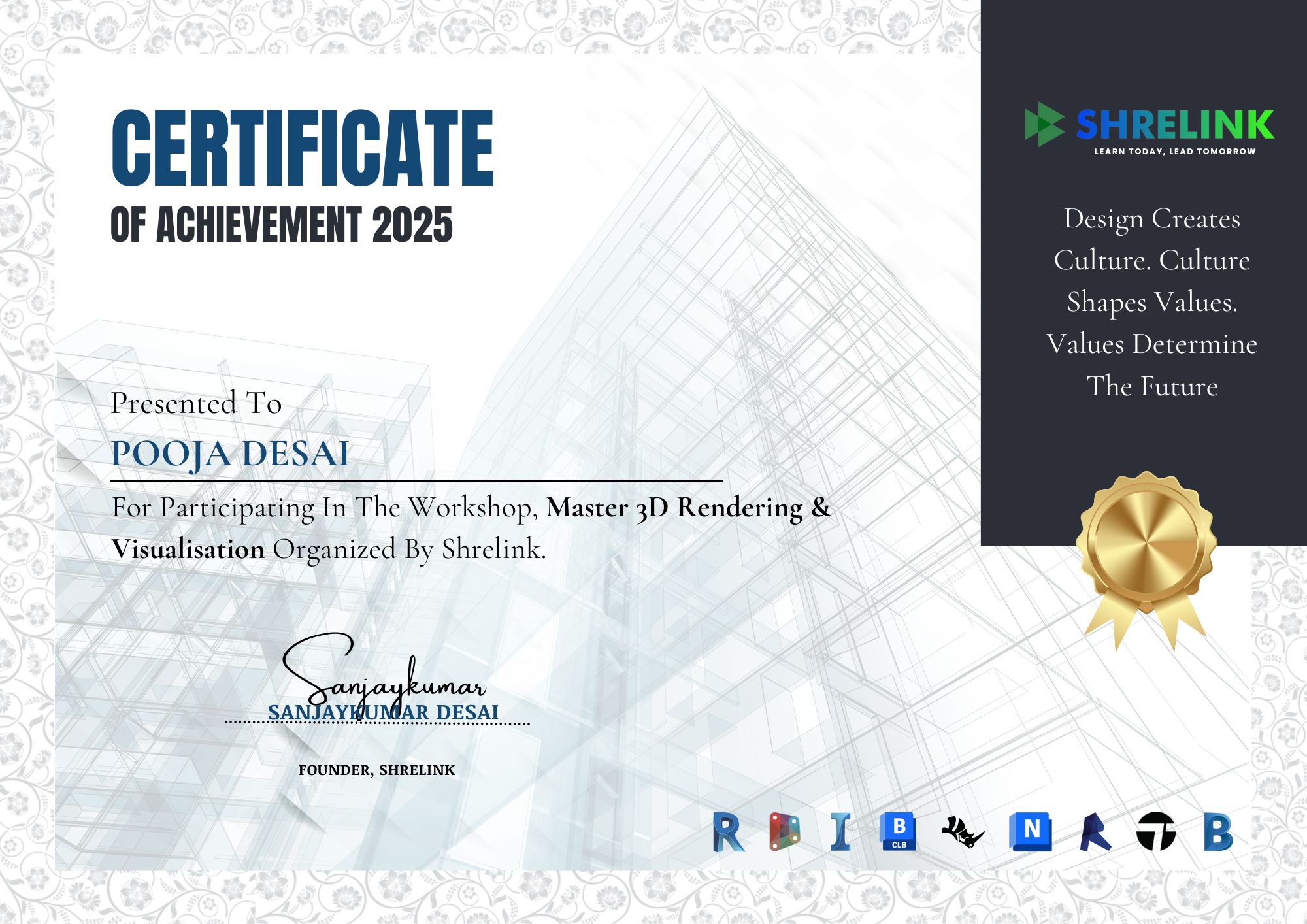
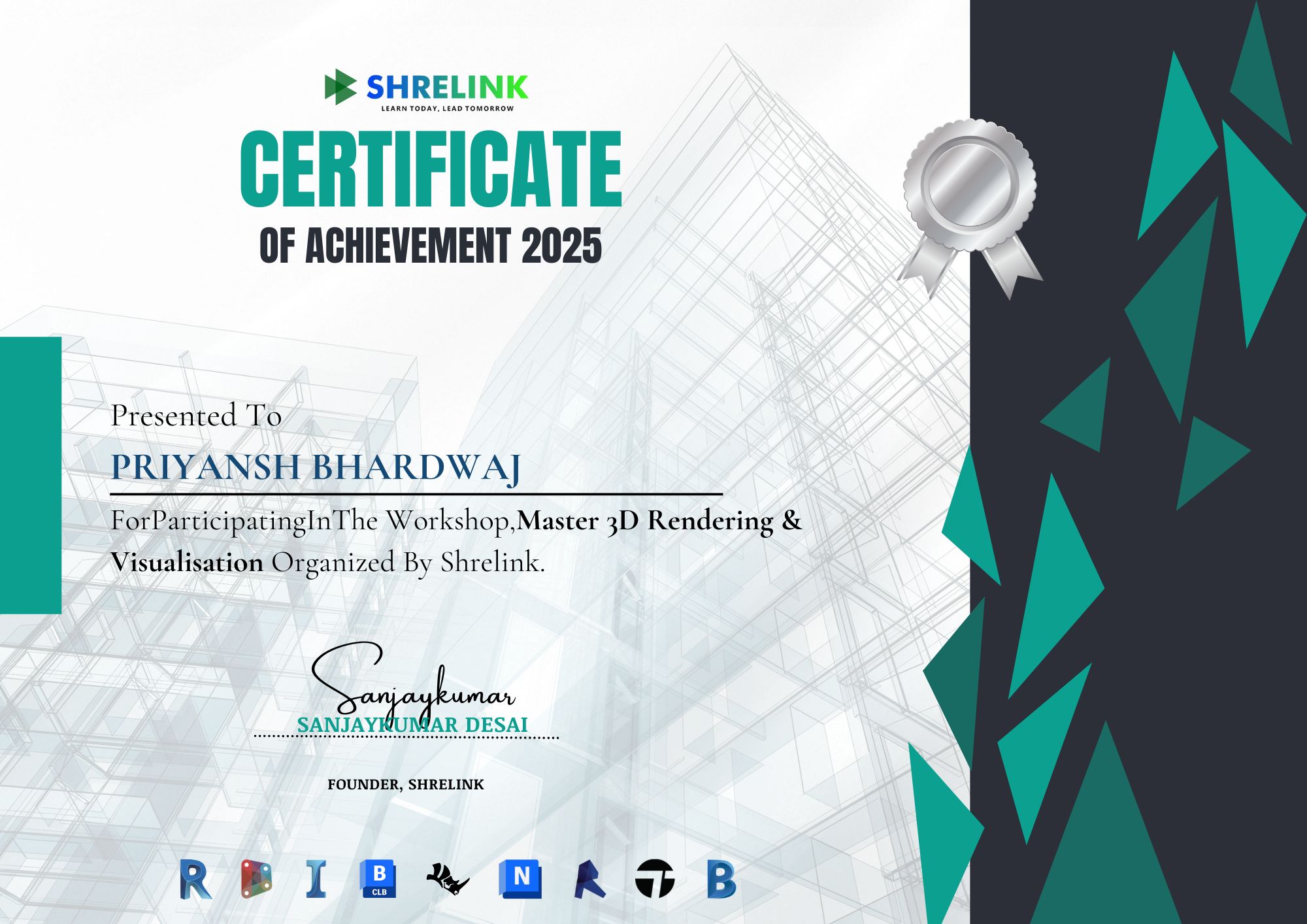
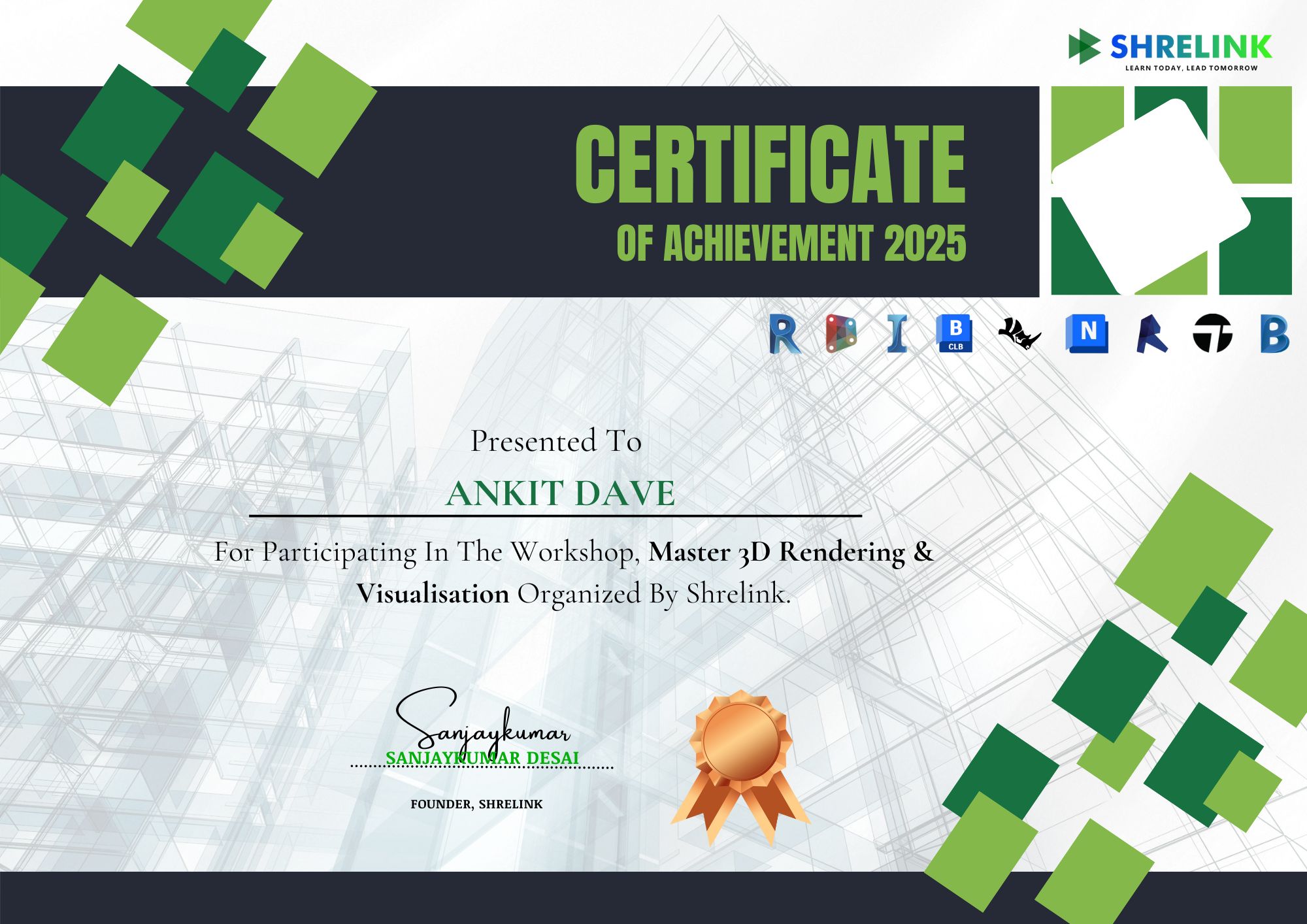
POOJA REDDY
3D Visualizer
SIDHARTH MALHOTRA
Rendering Artist

Learn Better with Shrelink's Cutting-edge Platform

Our state-of-the-art Learning Management System (LMS) gives you an improved learning experience with a tech-forward solution. Move on from boring group chats and simple online classes with other BIM online courses.

Lifetime access to content

This course offers lifetime access to all learning materials, allowing you to learn at your own pace. Revisit content anytime to refresh skills, stay updated, and continue your growth journey.

Live mentor sessions + recordings

Gain access to live mentor-led sessions for real-time guidance, feedback, and interaction. All sessions are recorded, so you can revisit key insights and learnings anytime at your convenience.

24/7 doubt resolution through our AI & support team

Get 24/7 doubt resolution with instant support from our AI-powered assistant and dedicated expert team, ensuring your learning never stops and every question gets answered promptly and accurately.

How are we different?

Why Settle for Just Another BIM Program?

We don’t just upskill you, we give you the tools to excel in your path.

Benefit Other Online BIM Courses Other Offline BIM Courses

Weekly live sessions for personalised learning in small groups

BIM Image No

Professionally-built cutting edge digital learning platform

No No

1:1 Mentoring and Dedicated Industry Guide Support

No No

Guided career sessions and counselling

No No

Flexible payment options with 0 interest

No No

Live Tool Test

No No

Enroll Now for the To be announced Cohort

Limited seats available*

Enrollment Process
  • Apply for the course
  • Get shortlisted after a quick review
  • Speak with our Academic Counsellor
  • Complete payment & reserve your seat
  • Start learning and rendering!
Book your seat with

₹25,000 Only

Total Program Fee ₹1,00,000/-

Reserve Your Seat Soon

Shrelink course benefits

  • Shrelink's Professional Certificates
  • 12+ BIM softwares and plug-ins
Take your career into your own hands

Future-proof your career successes

A trailblazing course designed to prioritise your professional growth at every step

Lifetime access to content

Live mentor sessions + recordings

Personalised feedback & gamified learning

24/7 doubt resolution through our AI & support team

Uncover Our Learners' Career Success Report 2025

Explore data, reports, and trends highlighting our success in preparing learners for rewarding careers in AEC.

A global community of trailblazers

Join the Shrelink Tribe

0+

Learners

0+

Mentors

0+

Companies

0+

Conversations

Outcomes After Completion

0%

Present jaw-dropping renders with ease

0%

Build a high-conversion client portfolio

0%

Create immersive walkthrough videos

Voice Of the Tribe

Hear our community talk about their success journeys

Pallavi Mishra

“Before joining this course, I had only basic knowledge of 3D modeling and zero understanding of rendering techniques. But within a few weeks, I was able to produce photorealistic renderings using tools like V-Ray, Lumion, and SketchUp. I learned how to work with lighting, textures, materials, and camera settings to make my scenes look professional and lifelike. What impressed me the most was how much emphasis the course placed on realism—from understanding natural light behavior to perfecting material reflections. It has completely transformed the way I present my architectural and interior design concepts.”

Divya Gupta

New

“This course helped me move from basic modeling to creating photorealistic renders. Learning how to use lighting, materials, and camera settings in tools like V-Ray and Lumion really improved my presentations. It made my designs come alive and helped me communicate ideas more effectively.”

Harsh Malhotra

“I enjoyed the hands-on approach with real projects, which made learning software like SketchUp and V-Ray practical and engaging. The course boosted my confidence in producing professional-quality visuals that I can include in my portfolio.”

Vivek Shetty

“The technical aspects were challenging, especially mastering different rendering engines and settings, but the instructors provided great support. I now understand how to balance rendering quality and speed to get the best results.”

Sonali Chauhan

“More than just a technical course, this training taught me how to use 3D visualization as a tool for storytelling. We explored how composition, camera angles, color grading, and atmospheric effects can evoke different emotions in a space. That creative direction was something I had never experienced before in any software course. I now pay more attention to the story behind the space I’m designing. The result is that my work doesn’t just look good—it feels purposeful and expressive. This was one of the most creatively fulfilling courses I’ve taken so far.”

Krishnan Rao

“Overall, the course was very valuable and relevant. I wish we had more lessons on post-production editing to polish renders even further, but the foundation I gained is solid and will definitely help in my career.”

FAQ'S

Got Questions? We've Got Answers!

GENERAL ((10))
DETAILED ((10))

What does this course cover?

Photorealistic rendering, lighting, texturing, and walkthrough animations.

Which software will I Learn?

Lumion, Twinmotion, V-Ray, and Enscape (depending on module).

Do I need prior Experience?

No, beginners can start easily.

Do I need a powerful Computer?

A decent GPU is recommended; system requirements are shared.

Will I learn material Realism?

Yes, including PBR materials and advanced textures.

Does the course teach animation and Walkthroughs?

Yes, cinematic walkthroughs and client presentations are included.

Are projects Included?

Yes, you’ll render both interiors and exteriors.

Can I use my own design Files?

Yes, you can apply techniques on your personal projects.

Will this help me as a Freelancer?

Yes, rendering is one of the most in-demand freelance skills.

Do I get lifetime Access?

Yes, with resources and project files.

What rendering engines are Included?

You’ll learn Lumion, Twinmotion, V-Ray, and Enscape workflows.

Will I learn both interiors and Exteriors?

Yes, the course covers lighting, textures, and rendering for both.

Does the course teach cinematic Animations?

Yes, including camera path animations, flythroughs, and client presentation videos.

Will I learn PBR material Workflow?

Yes, physically based rendering (PBR) for realistic textures is covered.

Is real-time rendering Included?

Yes, with Twinmotion and Enscape for fast client presentations.

Do I need a powerful Computer?

For V-Ray, yes; for Enscape/Twinmotion, mid-level PCs work. Minimum specs will be provided.

Will I learn post-production?

Yes, you’ll learn how to refine renders using Photoshop or similar tools.

Can I import my own Revit/SketchUp models?

Yes, you’ll learn to bring in models from different design software.

Will I work on portfolio-ready projects?

Yes, you’ll build a set of professional renders for your portfolio.

How does this course help freelancing?

High-quality rendering is one of the most in-demand freelance skills, and this course prepares you for client work.

Begin your next chapter in AEC with Shrelink!

We are here to help you take the industry by storm with advanced, tech-first skills.

Ready to skyrocket your career?